The unified IDE for
Google Apps Script & Automation
Deploy, debug, and manage all your automation workflows from one powerful platform. Version control, live logs, team collaboration, and AI-powered Blueprint conversion included.
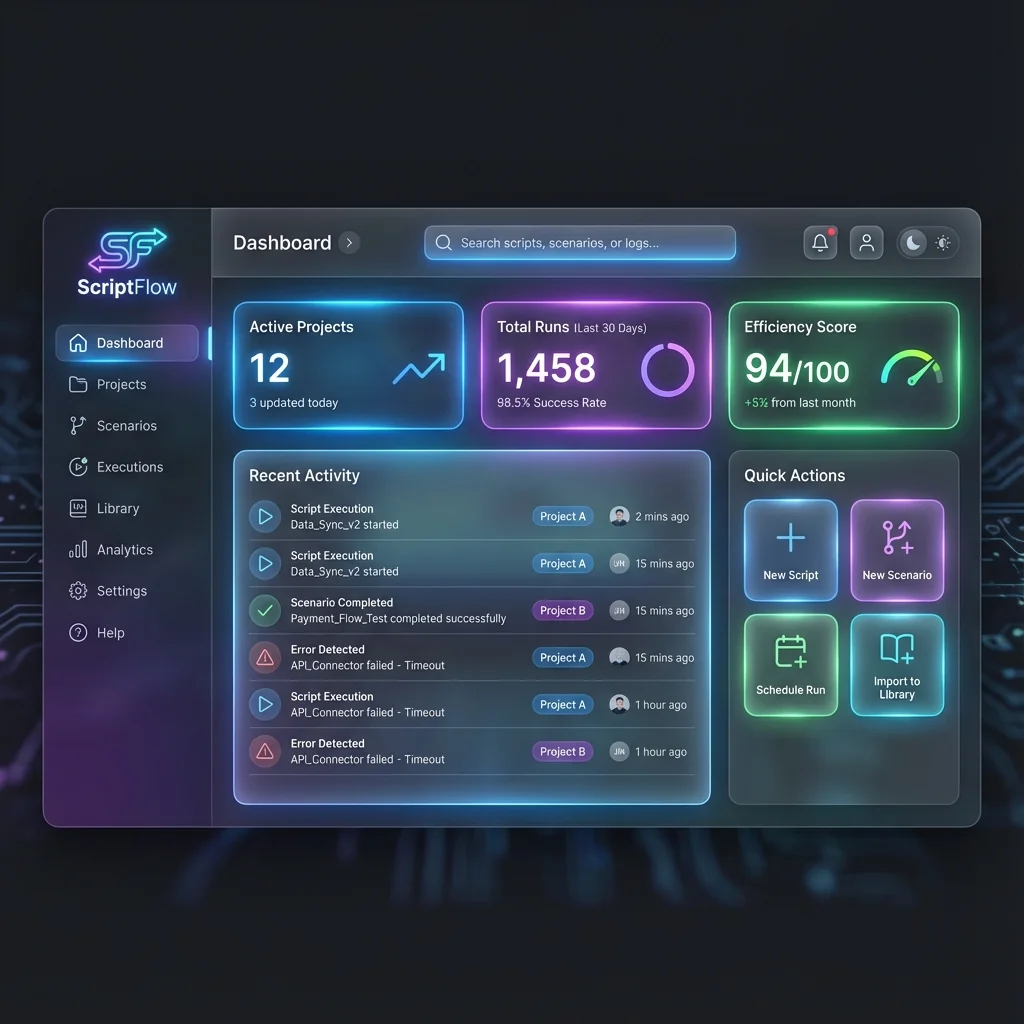
Stop juggling disconnected tools
ScriptFlow unifies your entire automation stack, eliminating context switching and saving you hours every week.
Problem: Fragmented workflow
Switching between Apps Script editor, Make.com dashboard, Zapier UI, and terminal for CLASP commands wastes time and breaks focus.
Solution: One unified IDE
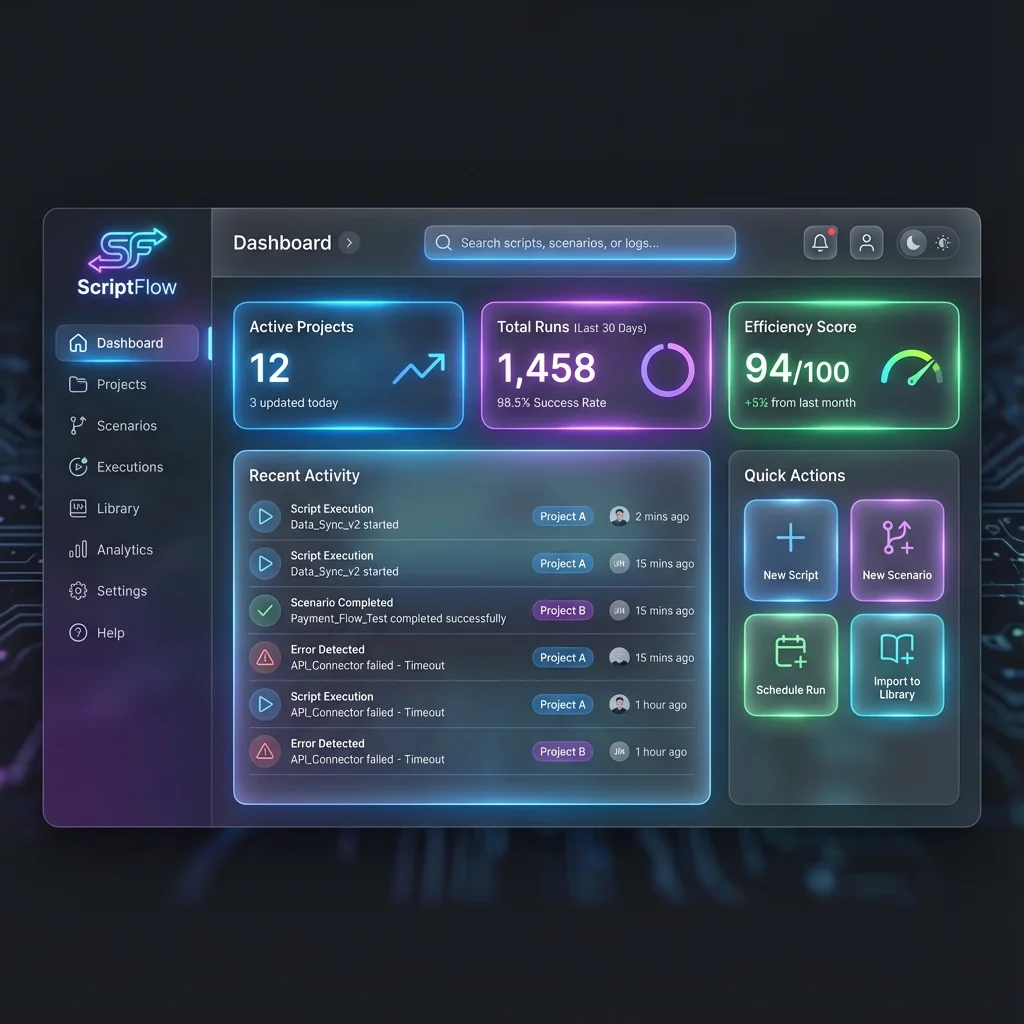
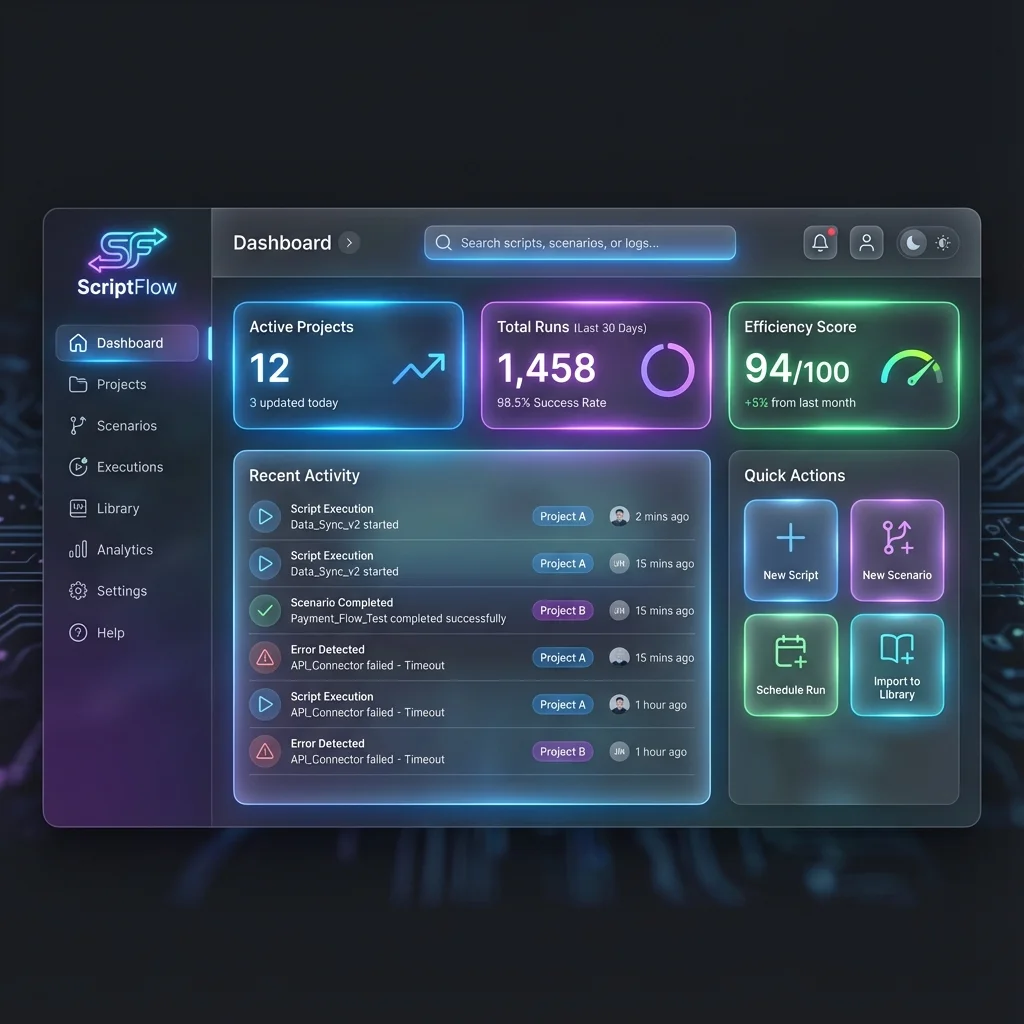
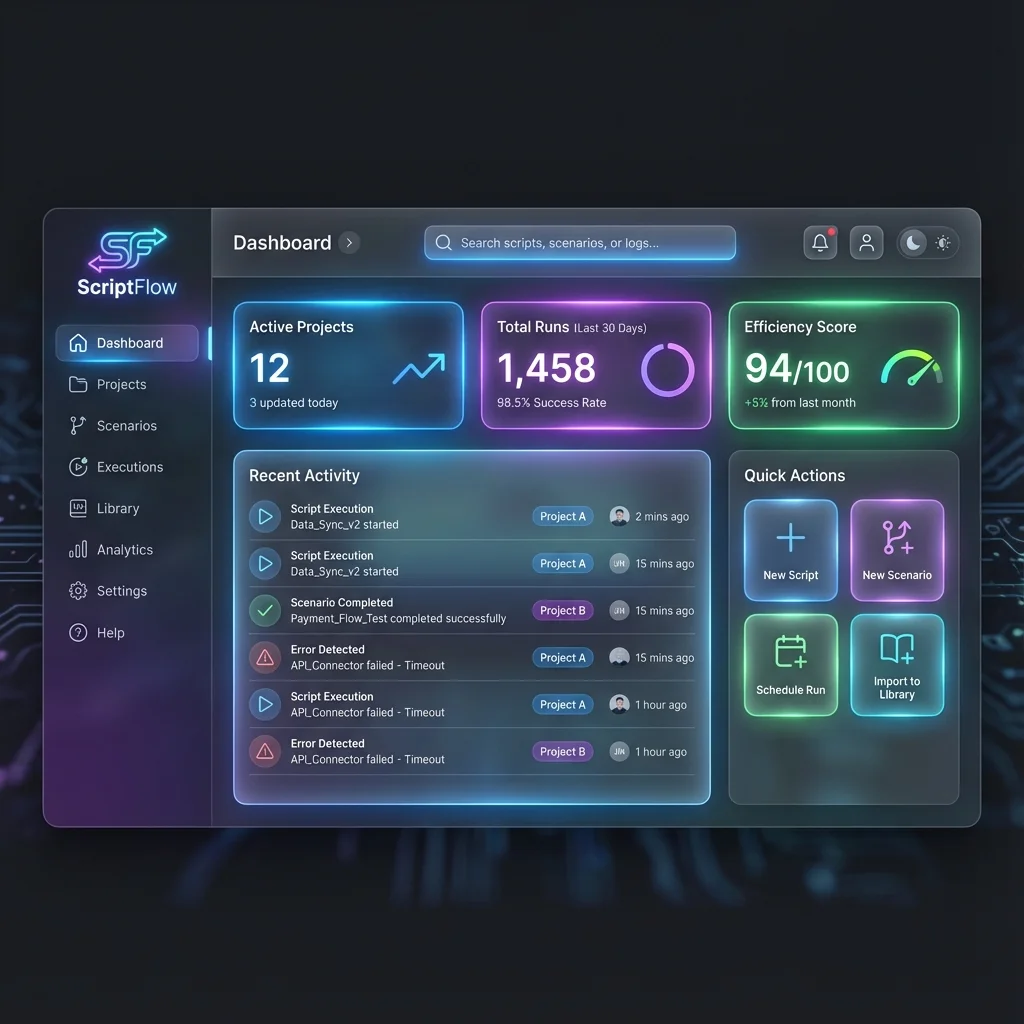
ScriptFlow brings everything into a single, beautiful interface. Manage Apps Script projects, automation workflows, and deployments from one dashboard.
Problem: No version control visibility
Apps Script's native versioning is limited. Rollbacks are manual, history is hard to navigate, and collaboration lacks clarity.
Solution: Git-style version control UI
ScriptFlow provides intuitive version history, one-click rollbacks, deployment comparison, and team change tracking — all in a visual interface.
Everything you need to build faster
Professional-grade tools designed for modern automation development.
Unified IDE
Manage everything in one place.
Apps Script projects, Make.com scenarios, Zapier zaps, and n8n workflows — all accessible from a single, powerful dashboard.
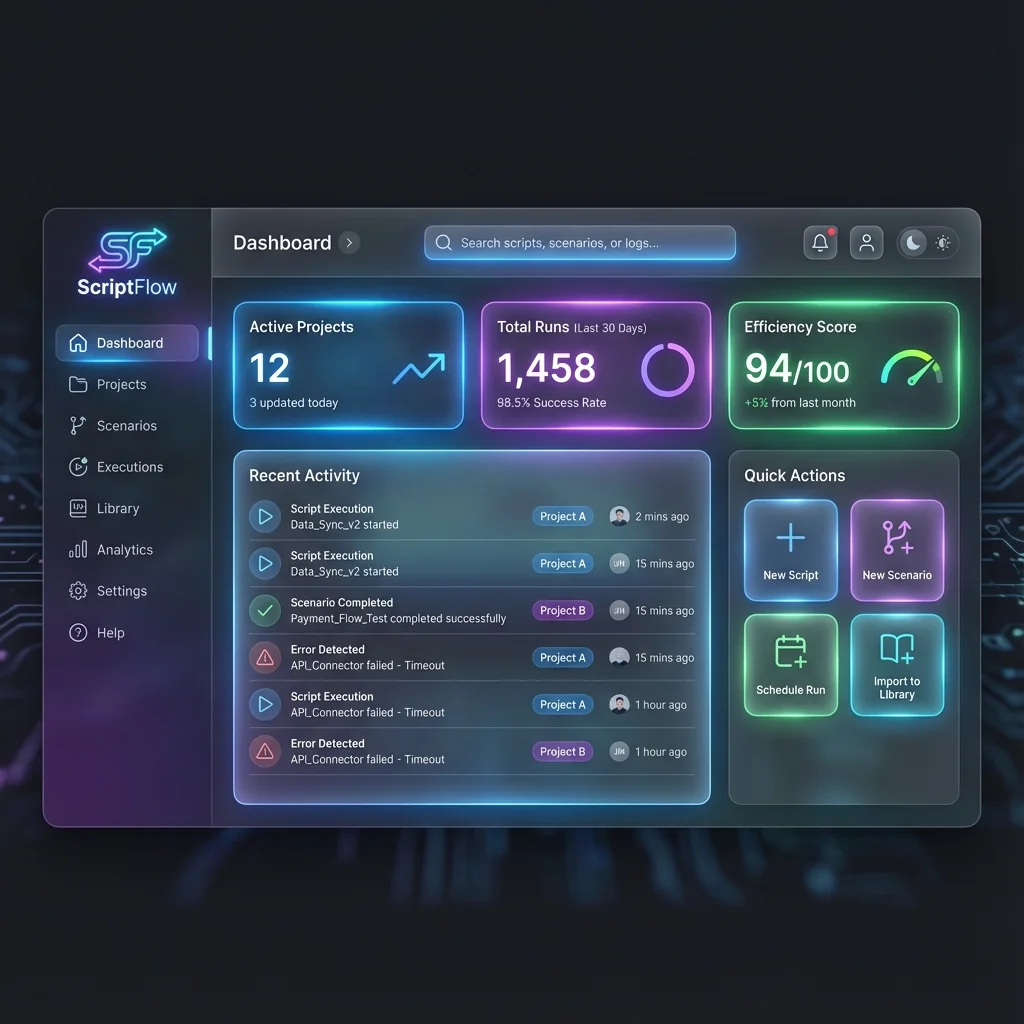
Version Control
Track every change with confidence.
Visual deployment history, one-click rollbacks, and detailed change logs ensure you never lose work and can recover instantly.
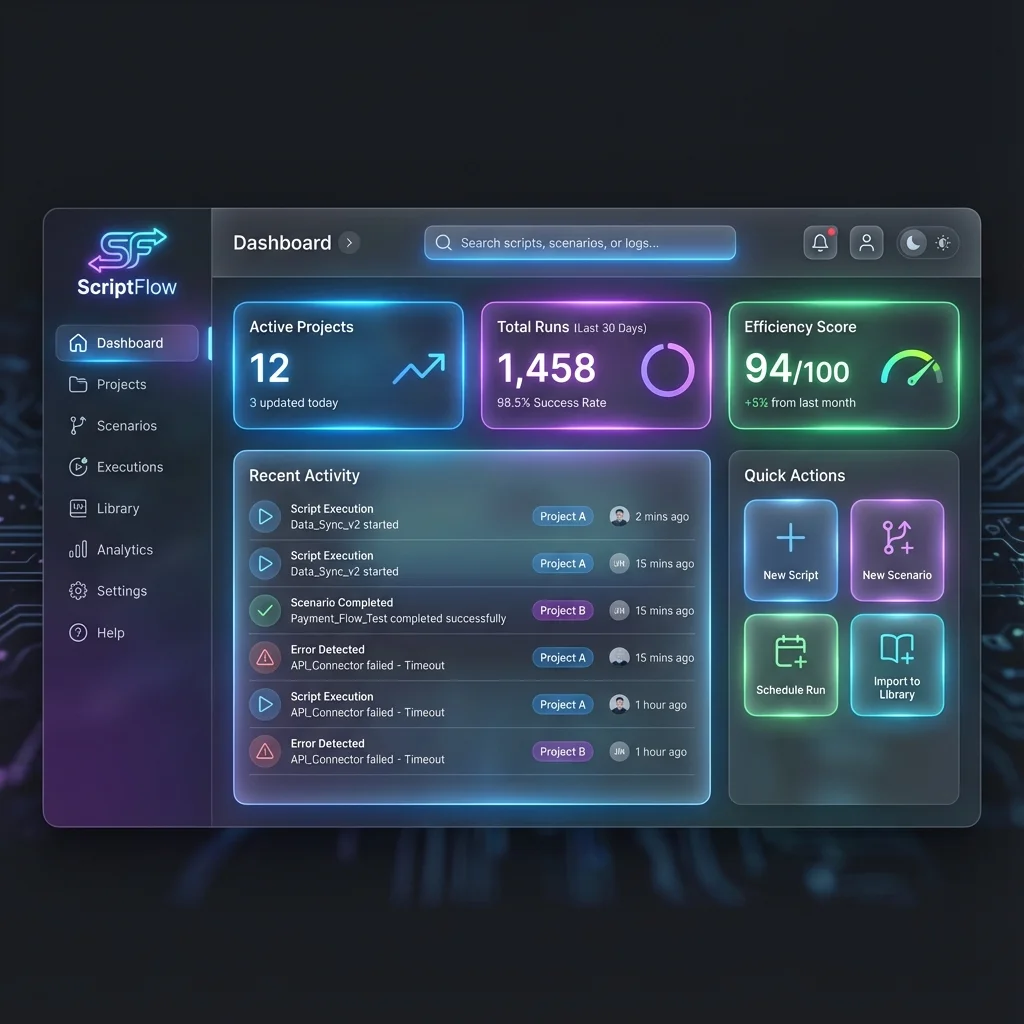
Deploy & Sync
Push to production in seconds.
Integrated CLASP deployment with dev/staging/prod environment support. Deploy to multiple projects simultaneously.
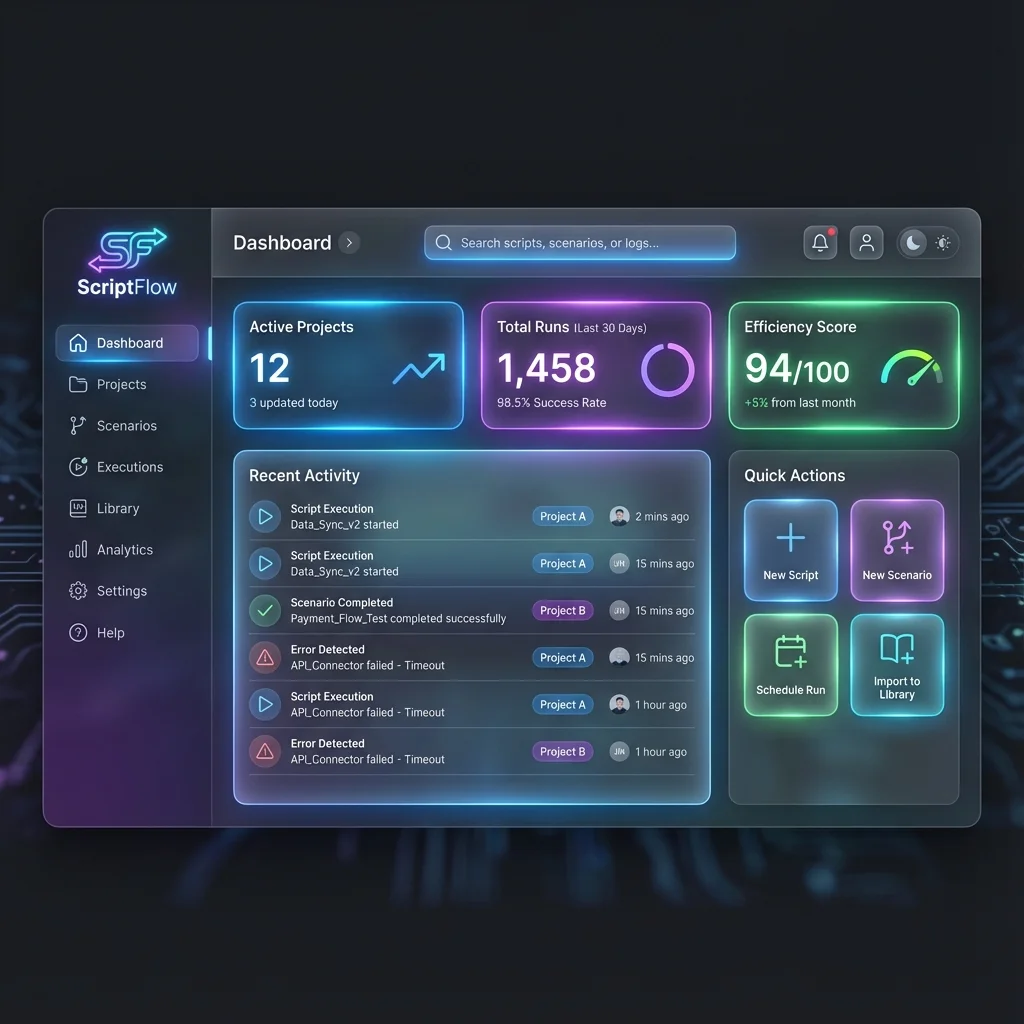
Live Logs & Alerts
Monitor execution in real-time.
Streaming logs, error alerts, and execution metrics give you full visibility into your automation workflows.
Integrated Debugger & Tests
Find and fix issues faster.
Breakpoints, step-through debugging, and automated test runner help you build reliable automation.
Team Collaboration
Work together seamlessly.
Shared workspaces, role-based permissions, and activity logs keep your team aligned and productive.
Built for every automation workflow
Agencies
- Manage dozens of client automation projects from one dashboard
- White-label deployments and branded reporting
- Isolate client workspaces with role-based access
- Track billable automation execution time
Operations Teams
- Streamline internal workflows across departments
- Centralize automation logic for HR, finance, and IT
- Reduce reliance on expensive SaaS automation tools
- Audit trail for compliance and security requirements
Citizen Developers
- No-code to low-code transition with visual tools
- AI Blueprint Converter turns workflows into code
- Templates and starter projects for common use cases
- Guided onboarding and interactive tutorials
Enterprises
- Enterprise SSO and advanced security controls
- Dedicated infrastructure and SLA guarantees
- Custom integrations and priority support
- Volume licensing and centralized billing
Tour the product
Explore key workflows and features through our interactive product screenshots.
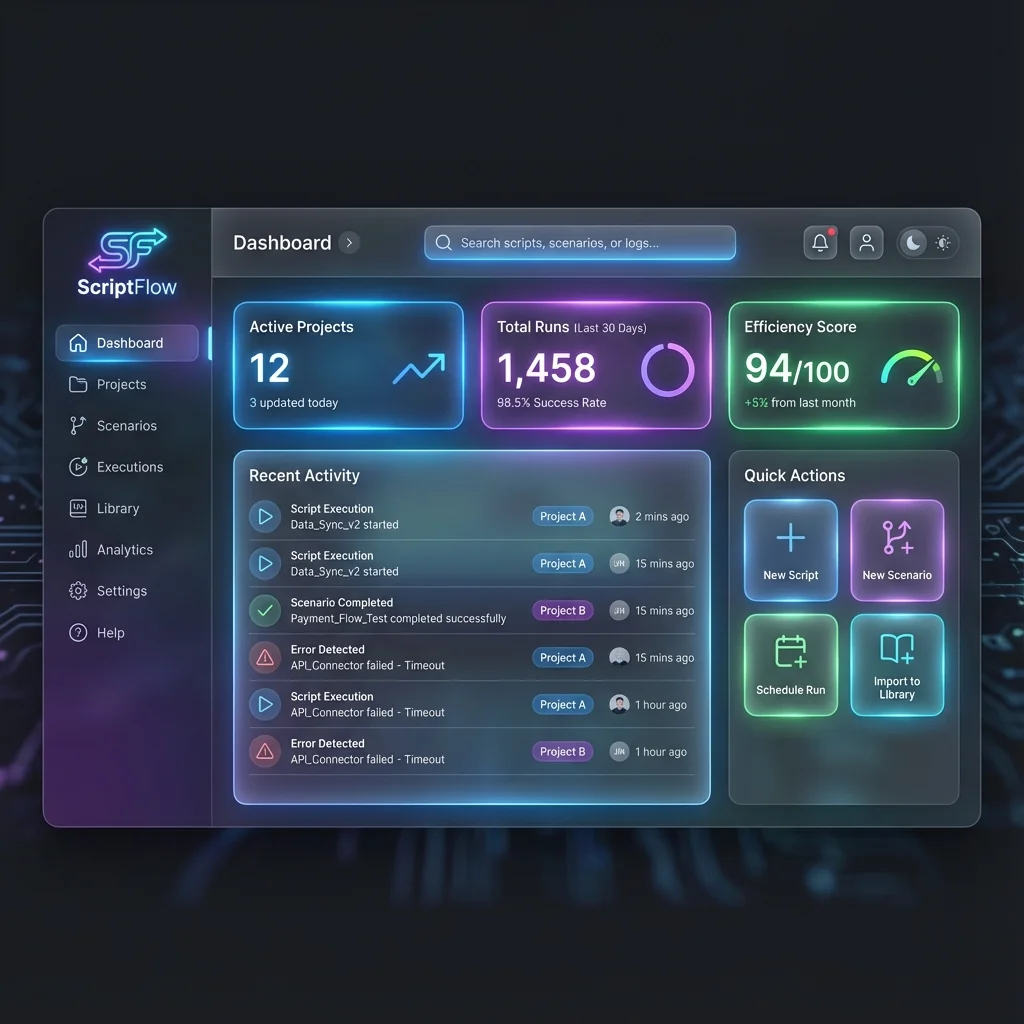
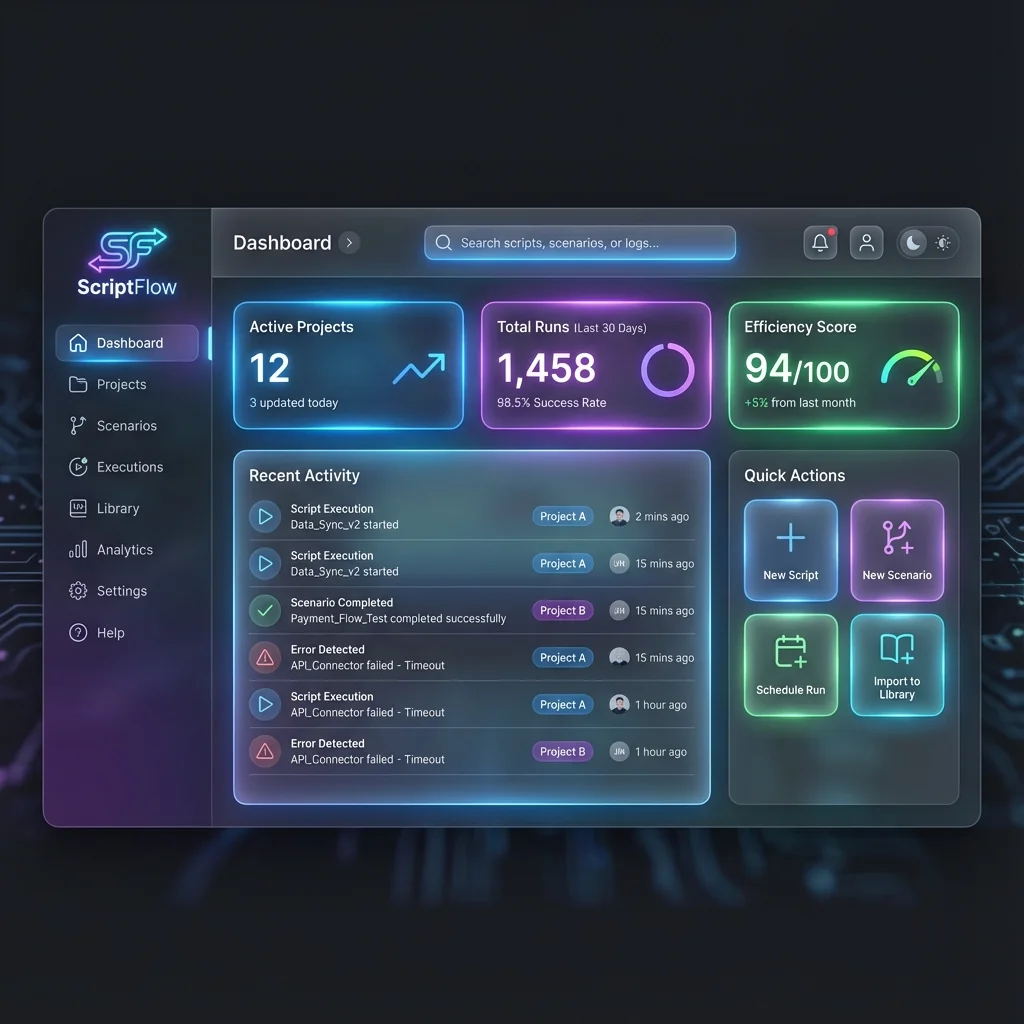
Click any screenshot to view full size
Choose your plan
Start free, upgrade when you need more. All plans include core features.
Free
Perfect for individual developers and small projects.
- Up to 3 Apps Script projects
- Basic version control
- Deploy & sync
- Community support
- Make.com & Zapier monitoring
Pro
For professionals and growing teams.
- Unlimited Apps Script projects
- Advanced version control & rollbacks
- Live logs & alerts
- Integrated debugger
- AI Blueprint Converter (50 conversions/mo)
- Team collaboration (up to 5 users)
- Priority email support
Enterprise
Tailored for large organizations with advanced needs.
- Everything in Pro
- Unlimited users & projects
- Enterprise SSO (SAML, OAuth)
- Dedicated infrastructure
- Custom integrations
- SLA guarantees
- Dedicated account manager
What our users say
"ScriptFlow saved us thousands in automation costs. The AI Blueprint Converter turned our Make.com scenarios into Apps Script in minutes, and we're now running everything on Google's free tier."
"Version control and one-click rollbacks give me the confidence to deploy to production without anxiety. The unified dashboard is a game-changer for managing client projects."
"As a non-developer, ScriptFlow's visual tools and AI converter let me build complex automations that previously required a developer. It's empowering and incredibly intuitive."
Frequently Asked Questions
What makes ScriptFlow different from using CLASP directly?
ScriptFlow provides a visual IDE layer on top of CLASP with live logs, version control UI, integrated debugging, and unified management of both Apps Script and automation platforms like Make.com and Zapier in one dashboard.
Can I use ScriptFlow with my existing Apps Script projects?
Absolutely. ScriptFlow connects to your existing Google Apps Script projects via OAuth. Import any project and start managing it through our unified dashboard immediately.
Does ScriptFlow support team collaboration?
Yes. ScriptFlow Pro and Enterprise plans include team workspaces, shared project access, role-based permissions, and collaborative debugging features.
How does the AI Blueprint Converter work?
Upload a Make.com or n8n workflow blueprint (JSON), and our AI engine analyzes the nodes, connections, and logic to generate equivalent Google Apps Script code. This allows you to run workflows on Google's free infrastructure, saving on execution costs.
Is there a free tier?
Yes. ScriptFlow offers a Free tier with basic project limits and core features. It's perfect for individual developers and small projects.
What integrations does ScriptFlow support?
ScriptFlow integrates with Google Apps Script, Make.com, Zapier, n8n, GitHub, Slack, and supports webhooks for custom integrations.
Have more questions? Visit our Help Center or contact support.
Ready to unify your automation?
Start building with ScriptFlow today. No credit card required.